

How Does Wireless Phone Charging Work? A Clear Guide

Last Updated: November 21, 2026
Quick Summary
Wireless phone charging works by passing electrical energy through a magnetic field between two coils, with no cable connecting them. A transmitter coil in the pad creates a fluctuating magnetic field that induces a current in the receiver coil inside your phone, which converts it into the voltage its battery needs.
- The Qi standard sets how the pad and phone communicate before power flows.
- The pad sends a small pulse to check for a compatible device, then adjusts output to match its needs.
- A phone shifted a centimetre or two off centre can drop below the threshold needed to sustain the handshake.
- Cases thicker than about 3mm or with metal plates can block the charging signal.
- Charge on a hard, flat surface and take the phone off once it is full to limit heat.
Table of Contents
- The Coils and Magnetic Field Behind Wireless Phone Charging
- How Qi Wireless Charging Works From Pad to Battery
- Wireless Charging Phone Compatibility: Will Your Handset Work?
- Wireless Charging Through Phone Case: What Blocks the Signal
- Wireless Charging Not Working: Fixes for Slow or Stopping Charging
- Heat, Efficiency and Battery Health in Everyday Use
- Choosing a Wireless Charger That Fits Your Setup
- Frequently Asked Questions
The Coils and Magnetic Field Behind Wireless Phone Charging
Wireless phone charging works by passing electrical energy through a magnetic field between two coils, with no cable connecting them. This guide explains the full process, from the pad on your desk to the battery inside your handset. The core idea is simple: a charging pad creates a moving magnetic field, and your phone turns that field back into electric current.
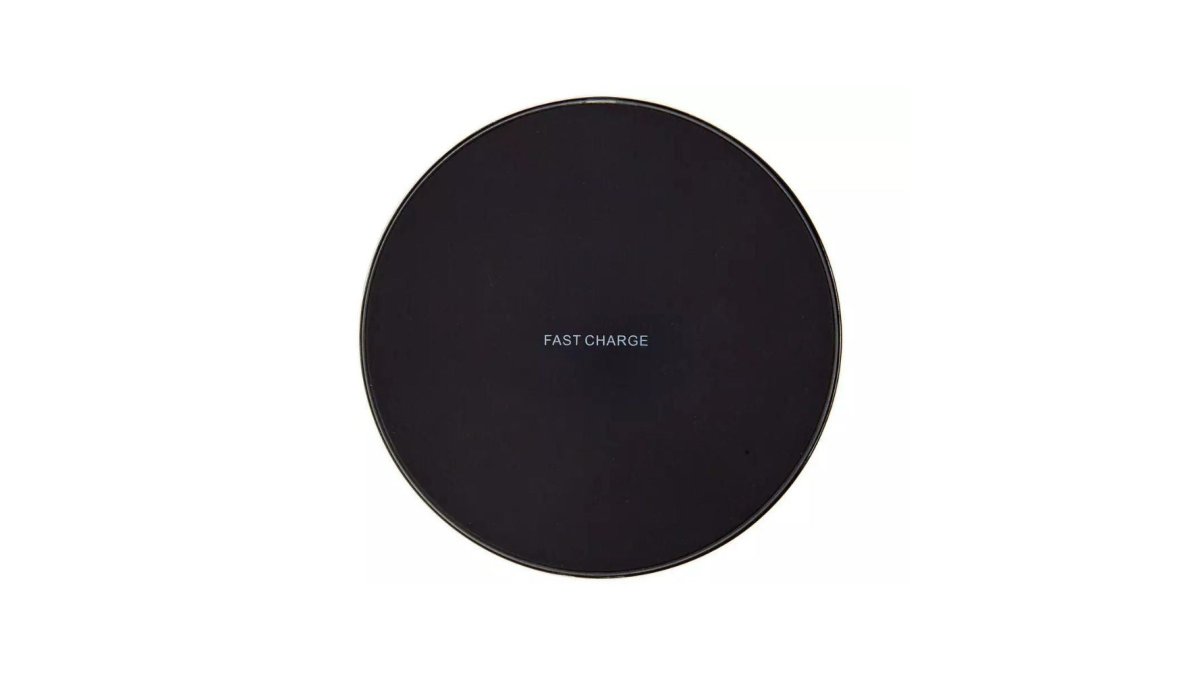
Two coils do all the work. The transmitter coil sits inside the charging pad and connects to your power source. The receiver coil sits inside your phone, usually behind the back panel. Place the phone on the pad, and the coils line up within a few millimetres of each other.
Energy then moves by electromagnetic induction. Alternating current flows through the transmitter coil and creates a fluctuating magnetic field. That field reaches the receiver coil and induces a current in it. The phone converts that current into the voltage its battery needs.
No metal touches no metal. The magnetic field does the transfer.
How Qi Wireless Charging Works From Pad to Battery
How Qi wireless charging works comes down to a handshake, not just a magnetic field. The Qi standard is the wireless charging standard most handsets follow, and it sets how the pad and phone talk to each other before power flows. That conversation is what separates a safe, efficient charge from a pad that simply blasts energy at whatever sits on it.
Here is the full cycle, step by step:
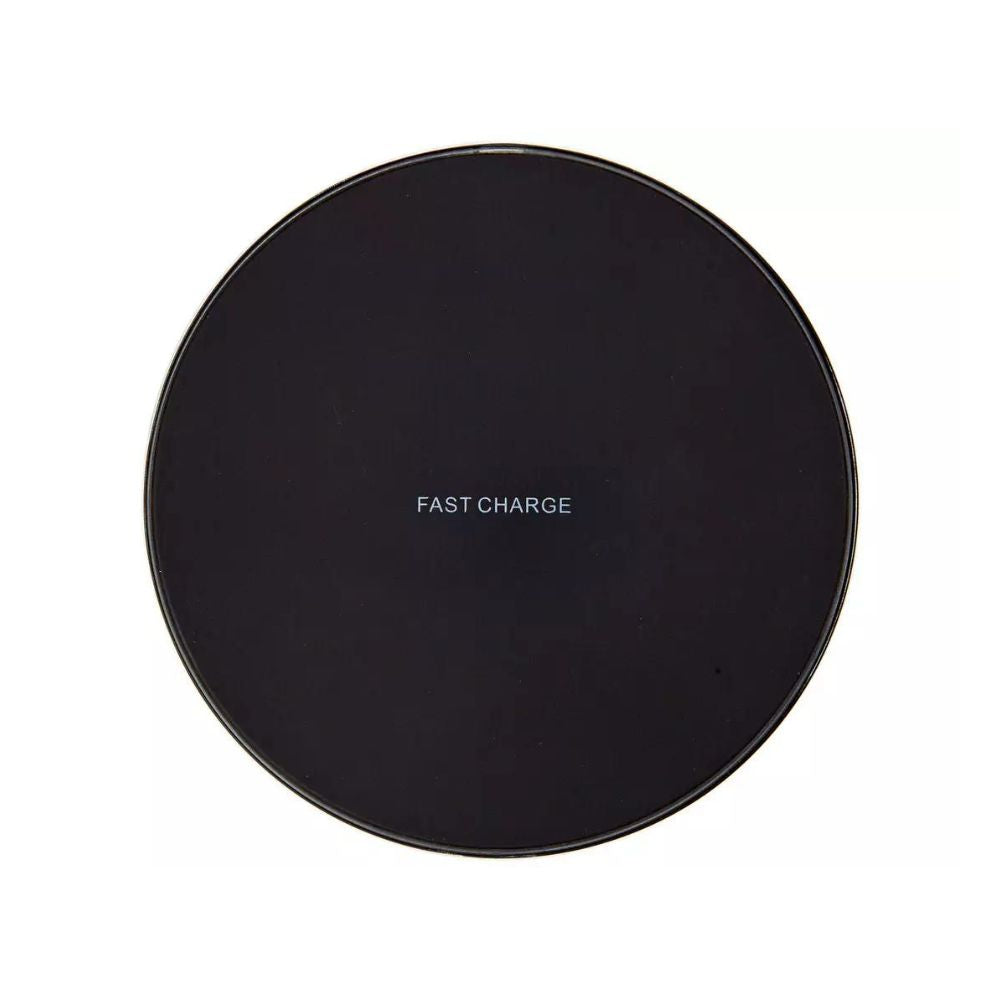
- You place the phone on the charging surface.
- The pad sends a small pulse to check for a compatible device.
- The phone answers with its power needs.
- The pad adjusts its power output to match.
- Power transfer begins, and the phone converts it to battery charging.
- The pad cuts power once the battery is full.
That communication step matters. It stops the pad from pushing too much power and lets it stop when the battery is topped up. Coil alignment decides how much energy actually arrives. Shift the phone a centimetre off centre and the charging rate drops, because the magnetic field is strongest directly between the two coils.
The handshake is more structured than a single ping. In a Qi system the pad periodically emits a short digital ping, a low-energy signal that asks whether a valid receiver is present. A compatible phone responds with a packet identifying itself and stating the power it can accept. Only then does the pad raise its output to the negotiated level. During charging the phone keeps sending control packets, asking for small increases or decreases in power as its battery fills and as heat builds. If those packets stop arriving, the pad treats the device as removed and cuts power. That is why a phone that slips off centre often stops charging rather than continuing at a lower rate: the control link is broken, not just the magnetic coupling.
Watch out: a pad that keeps pulsing but never starts charging is usually failing the handshake, which points to a misaligned coil, a case blocking the signal, or a phone that does not support the pad's Qi version.
The power that reaches the battery is generally lower than the rating printed on a pad, because some energy is lost in the coil gap, the receiver circuit and the voltage conversion. The phone, not the pad, ultimately decides the charge rate.
Wireless Charging Phone Compatibility: Will Your Handset Work?
Wireless charging phone compatibility depends on one thing: whether your handset has a built-in receiver coil and supports the Qi standard. Many recent flagship phones do, while some older or budget models do not.
Check before you buy a pad:
- Look for "Qi" or "wireless charging" in your phone's spec sheet.
- Check the manufacturer's official page for your exact model.
- If your phone supports magnetic accessories, it will work with magnetic charging mounts too.
A phone without a receiver coil will not charge on any pad, no matter how well you position it. In that case, a case with a built-in receiver can add the feature, though it adds bulk.
Wireless Charging Through Phone Case: What Blocks the Signal
Wireless charging through a phone case works fine with thin cases, but thick or metal cases can block the charging signal. The magnetic field has to travel through whatever sits between the coils.
Cases that usually cause problems:
- Metal plates or metal-backed cases
- Cases thicker than about 3mm
- Wallet cases with cards inside
- Cases with magnetic mounts built in that are not aligned to the coil
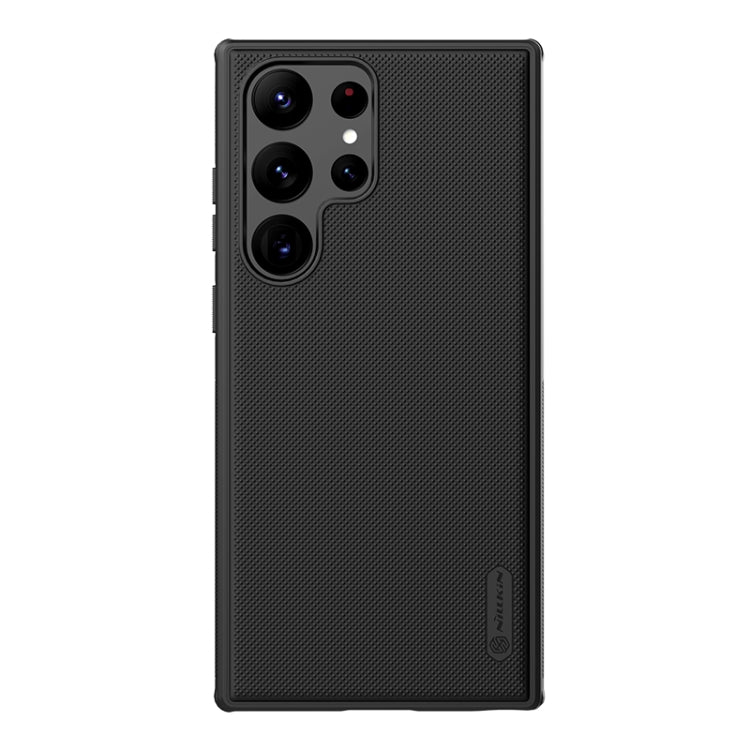
If your phone charges slowly or not at all in a case, take the case off and test again. If it charges without the case, the case is the culprit. A slim case designed for magnetic charging, like a MagSafe-compatible case for the Galaxy S23 Ultra, keeps the coil path clear.
Wireless Charging Not Working: Fixes for Slow or Stopping Charging
Wireless charging not working usually traces to one of five causes: misalignment, a thick or metallic case, heat, a weak power source, or a foreign object between the coils. Work through these fixes in order, because each test rules out a cause before you move to the next.
Check alignment first. Centre the phone on the pad. Most pads have a marked zone or a magnet to guide you. If the charging icon flickers when you press gently on one corner, the phone may be off centre. A phone shifted a centimetre or two can drop below the threshold the pad needs to sustain the handshake.
Remove the case. Test without it to rule the case out. Thin cases usually pass the field; metal plates, magnetic mounts and wallet cases with cards interfere. If it charges bare but not in the case, the case is the culprit.
Check the power adapter. A low-wattage plug or a worn cable can starve the pad. Use the adapter the pad shipped with, or one that meets its stated input requirement. A pad rated for fast charging will fall back to a slow trickle if the adapter cannot supply enough current.
Look for foreign objects. Coins, keys, bank cards and metal debris on the pad can absorb energy, heat up, and trigger the pad's safety cut-off. Wipe the surface and check the phone's back for anything stuck to it.
Cool things down. If the phone feels hot, charging slows or stops on purpose. Move it off direct sun and let it cool. Heat is a common reason a charge starts strong and then tapers.
Clean the surfaces. Dust and grit between the coils weaken the connection and can scratch the phone's back over time.
If charging starts and stops repeatedly, misalignment is the most common cause. Nudge the phone until the charging icon stays steady. If it still cycles on and off with the phone perfectly centred and bare, try a different adapter before assuming the pad is faulty.
Watch out: a pad that works with one phone but not another is usually a compatibility issue, not a fault, so test with a second device before returning it.
Heat, Efficiency and Battery Health in Everyday Use
Heat is the main cost of charging without a cable. Some energy is lost in the transfer between coils, and that loss shows up as warmth. A pad that runs hot is working harder than it should.
Keep heat down with a few habits:
- Charge on a hard, flat surface, not a bed or cushion.
- Avoid stacking other items on the phone while it charges.
- Take the phone off once it is full.
If you also use fast wired charging and want to know whether speed itself is a problem, our guide on whether fast charging damages your phone battery covers the evidence.
Choosing a Wireless Charger That Fits Your Setup
Pick a charger by matching its power output and shape to your devices and where you will use it. A bedside stand suits a phone and watch. A flat pad suits a desk. A multi-device station suits a household with several gadgets.
Quick guide:
| Your setup | Best charger type | Why |
|---|---|---|
| One phone, bedside | Charging stand | Screen stays visible, easy alignment |
| Phone, watch and earbuds | 3-in-1 station | One plug, less clutter |
| Desk or shared space | Flat charging pad | Fits any phone, low profile |
| Travel | Foldable magnetic charger | Packs flat, works upright or flat |
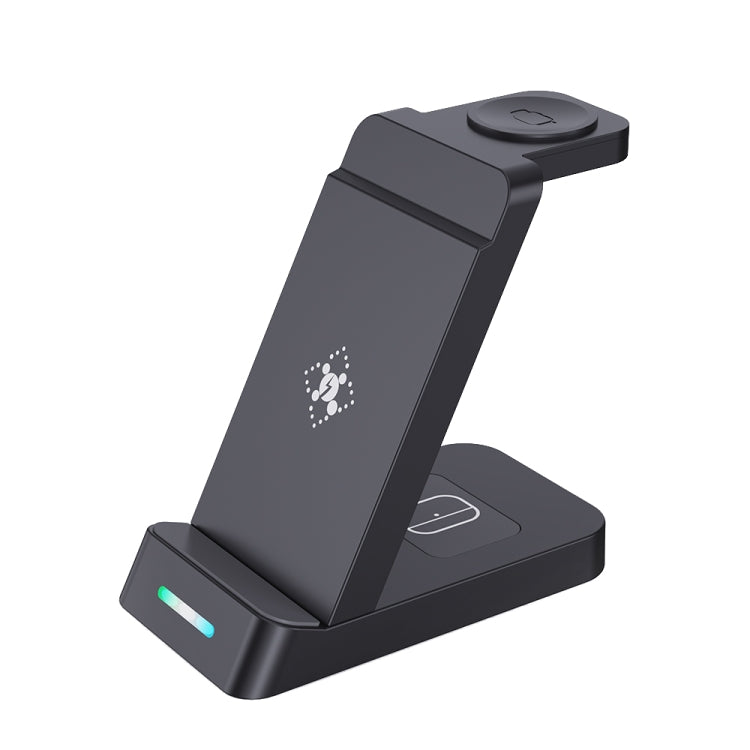
At Metanoia media, our charging range covers these setups directly. The B20A 15W Qi charging stand charges an iPhone, Apple Watch and AirPods together on one base. For a multi-device desk, the R11 4-in-1 30W charger with ambient light powers several devices at once. If you want a magnetic option with a stand, the UD22 15W 5-in-1 magnetic charger holds the phone upright for video calls while it charges.
For the underlying standard, the Wireless Power Consortium's Qi specification is the reference point manufacturers build to.
Getting the most from wireless charging comes down to alignment, a thin case, and a charger matched to your devices. Metanoia media stocks charging stands, pads and multi-device stations built around the Qi standard, with competitive pricing and a range that covers phone, watch and earbuds in one place. Browse the range and find the setup that fits your desk or bedside table.
Frequently Asked Questions
Does wireless charging use electromagnetic induction?
Yes. A wireless phone charger passes alternating current through a transmitter coil, which creates a fluctuating magnetic field. That field reaches the receiver coil inside your phone and induces a current, which the phone converts into battery power. This principle is called electromagnetic induction or inductive coupling, and it is the same process used in every Qi-standard pad, stand and charging station.
Do I need to remove my phone case to charge wirelessly?
Most cases under about 3mm thick, including standard silicone and TPU covers, allow wireless charging through phone case barriers without a problem. Thick leather wallets, metal plates, magnetic mounts and battery cases are the usual culprits when charging fails. If your phone charges on the pad without a case but stops with one on, the case is the issue. Try a thinner cover before assuming the charger is faulty.
Why is my phone not charging on a wireless charger?
Start with coil alignment: the centre of your phone needs to sit over the centre of the charging pad. Next, check your power source. A 5W phone charger plug will not deliver 15W, so use the adapter the charger was designed for. Remove thick cases and any metal accessories, clean the pad surface, and check for debris around the phone's charging port. If the pad still cuts in and out, test with a different cable and adapter.
Is wireless charging slower than wired charging?
Usually, yes. A 15W Qi charger delivers less usable power than a 20W or higher wired connection because some energy is lost as heat during transfer. In practice, a 15W wireless pad takes noticeably longer to fill a phone than a fast wired cable. Wireless charging is best for overnight top-ups and desk charging where speed matters less. For a quick boost before leaving the house, a cable is still faster.
