

How to Fast Charge a Phone Safely and Protect Battery Life

Last Updated: November 19, 2026
Quick Summary
To learn how to fast charge a phone safely, control the heat: use a certified charger and cable that match your phone's fast charging standard, charge in a cool spot away from bedding and sun, and unplug once you pass roughly 80% if you do not need a full battery. Fast charging itself is not the villain, heat is.
- Fast charging does not damage battery health on its own; repeated heat exposure does.
- Keeping your battery between roughly 30% and 80% for everyday top-ups can reduce stress on the cells.
- A cable rated for 18W will cap a 25W charger at 18W, so the cable matters as much as the plug.
- A phone or charger that feels hot to the touch is typically above 40°C on the casing.
- Unplug first if a temperature warning appears, then move the phone off soft surfaces and remove heat-trapping cases.
Table of Contents
- How to Fast Charge a Phone Safely: The Steps That Matter
- How Fast Charging Works and Why Heat Is the Real Enemy
- Does Fast Charging Damage Battery Health Over Time?
- Phone Fast Charger Compatibility: Matching Wattage to Your Device
- Fast Charging Phone Overheating: Warning Signs and Fixes
- Safe Phone Charging Tips for Everyday Use
- Common Mistakes That Undo Safe Fast Charging
- Choosing a Charger That Keeps Your Phone Cool and Charged
- Frequently Asked Questions
How to Fast Charge a Phone Safely: The Steps That Matter
Learning how to fast charge a phone safely comes down to one principle: control the heat. Fast charging itself is not the villain. Heat is. A charger that pushes power into a battery already running warm does more long-term harm than a higher wattage used in cool conditions.
Here is the short version:
- Use a charger and cable that match your phone's supported fast charging standard.
- Charge in a cool spot, away from bedding, sun and soft furnishings.
- Unplug once you pass roughly 80% if you do not need a full battery.
- Take the case off if your phone runs hot.
- Never charge under a pillow or on a radiator.
Below, we explain exactly why each step matters, and how to spot a charger that will keep your battery healthy rather than cook it.
How Fast Charging Works and Why Heat Is the Real Enemy
Fast charging works by negotiating a higher voltage or current between the charger and the phone, then tapering that power as the battery fills. A power management integrated circuit inside the phone controls this conversation. The charger does not decide alone.
That negotiation is why a cheap, uncertified charger can cause problems. Legitimate fast charging systems, as Cairovolt's explainer on fast charging and battery health notes, are not inherently harmful when temperatures stay moderate.
Here is what happens inside a lithium-ion battery during a fast charge:
- Constant current phase: the charger delivers a steady, higher current while the battery is empty.
- Constant voltage phase: as the battery nears full, voltage holds steady and current drops.
- Trickle charging: the final top-up at very low current to reach 100%.
Heat builds fastest in the first phase. If your phone feels hot to the touch, the charge controller is likely already reducing speed to protect the cells. That is thermal throttling doing its job.
Does Fast Charging Damage Battery Health Over Time?
Fast charging does not damage battery health on its own. Repeated heat exposure does. A phone that fast charges in a cool room, with a certified charger, will typically outlast one that slow charges under a duvet.
Battery degradation comes from several places:
- Thermal stress: sustained heat speeds up chemical breakdown inside the cells.
- Charging cycles: every full cycle uses up part of the battery's rated cycle life.
- High state of charge: leaving a battery at 100% for hours adds stress.
- Ambient temperature: charging in a hot car or direct sun is worse than any charger.
Keeping your battery between roughly 30% and 80% for everyday top-ups can reduce stress on the cells.
Does fast charging damage battery in a meaningful way? Only when it runs hot, repeatedly, over months. A single warm charge is not a crisis. A daily hot charge is.
Phone Fast Charger Compatibility: Matching Wattage to Your Device
Phone fast charger compatibility depends on three things matching: the charger's output, the cable's rating, and your phone's supported fast charging protocol. Get one wrong and you fall back to slow charging, or worse, an unstable connection.
The main fast charging standards you will see are USB Power Delivery (PD) and Qualcomm Quick Charge. Most modern phones support PD. Some support both.
That is why a higher-wattage charger is safe: the phone only draws what it needs. But it is also why a non-compliant charger is risky.
| Charger Output | Typical Use | Cable Needed |
|---|---|---|
| 18W USB-C PD | Older iPhones, mid-range Android | USB-C to Lightning or USB-C to USB-C |
| 20W USB-C PD | iPhone 8 and later, iPad | USB-C to Lightning |
| 25W USB-C PD | Samsung Galaxy and similar | USB-C to USB-C |
| 30W+ USB-C PD | Tablets, some laptops, fast Android | USB-C to USB-C, rated for the wattage |
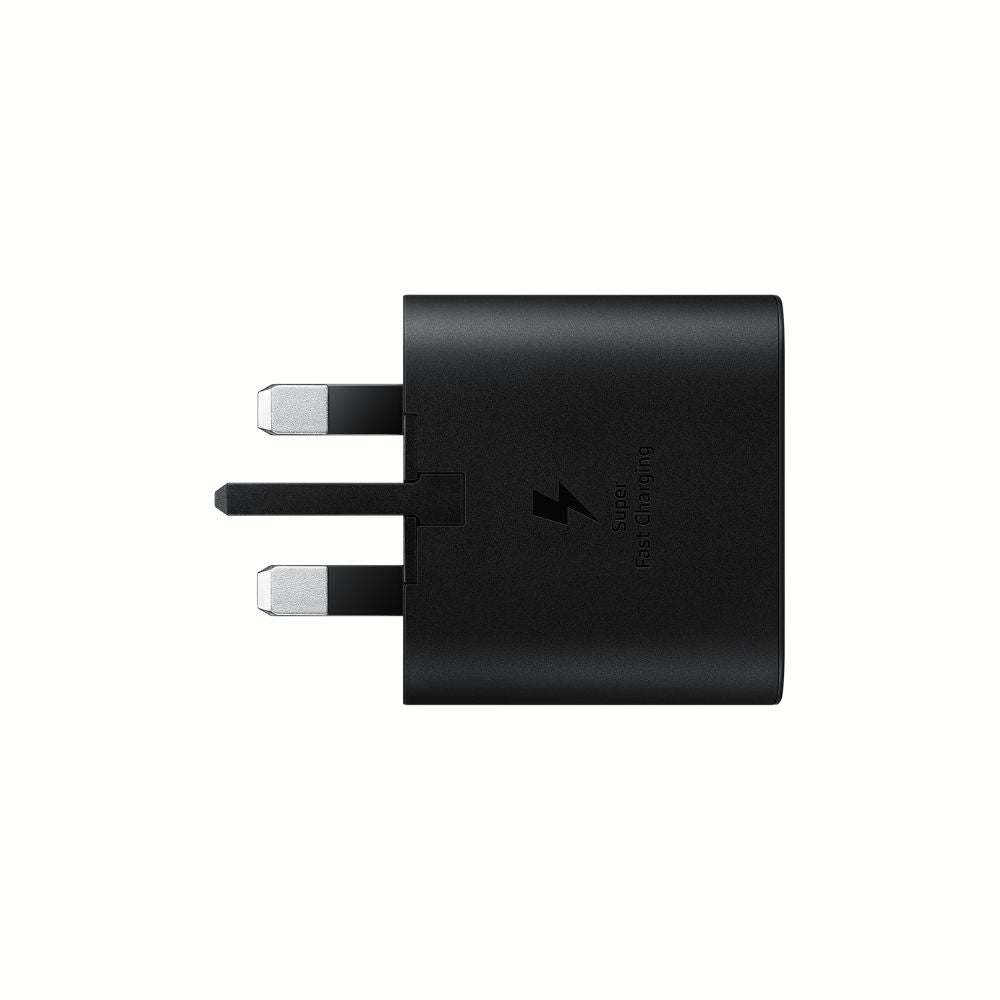
Match the wattage to your device, not above it. For iPhone owners, our Apple 20W USB-C power adapter hits the sweet spot, charging a compatible iPhone to about half in roughly 30 minutes. Samsung users can pair their phone with the genuine 25W USB-C adaptor for Super Fast Charging.
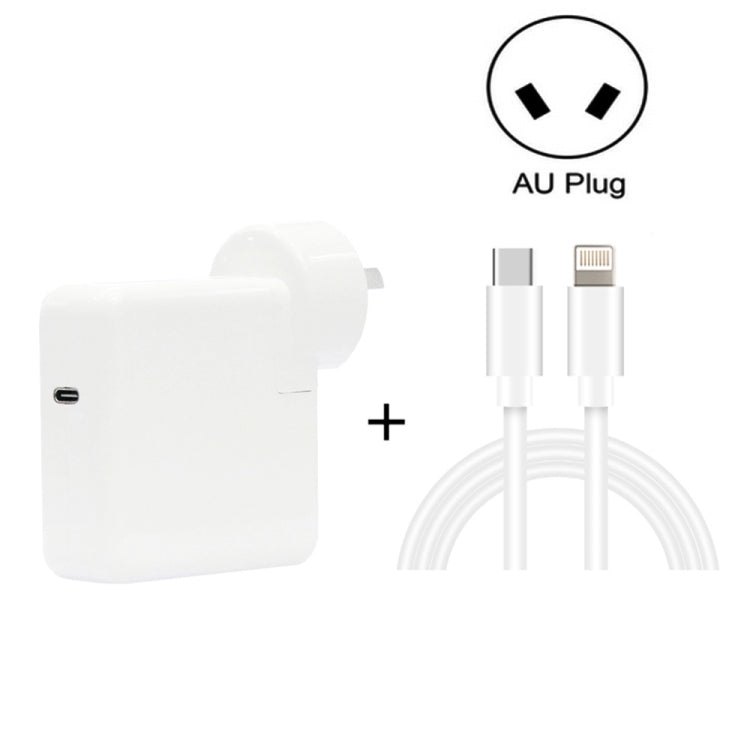
Watch out: a cable rated for 18W will cap a 25W charger at 18W. Our Apple USB-C to Lightning cable is MFi certified and rated up to 96W, so it will not be the bottleneck.
The gap most guides miss is the difference between certified and non-compliant third-party chargers.
For a deeper explanation of how PD negotiation works, see USB Implementers Forum's overview of USB Power Delivery.
Fast Charging Phone Overheating: Warning Signs and Fixes
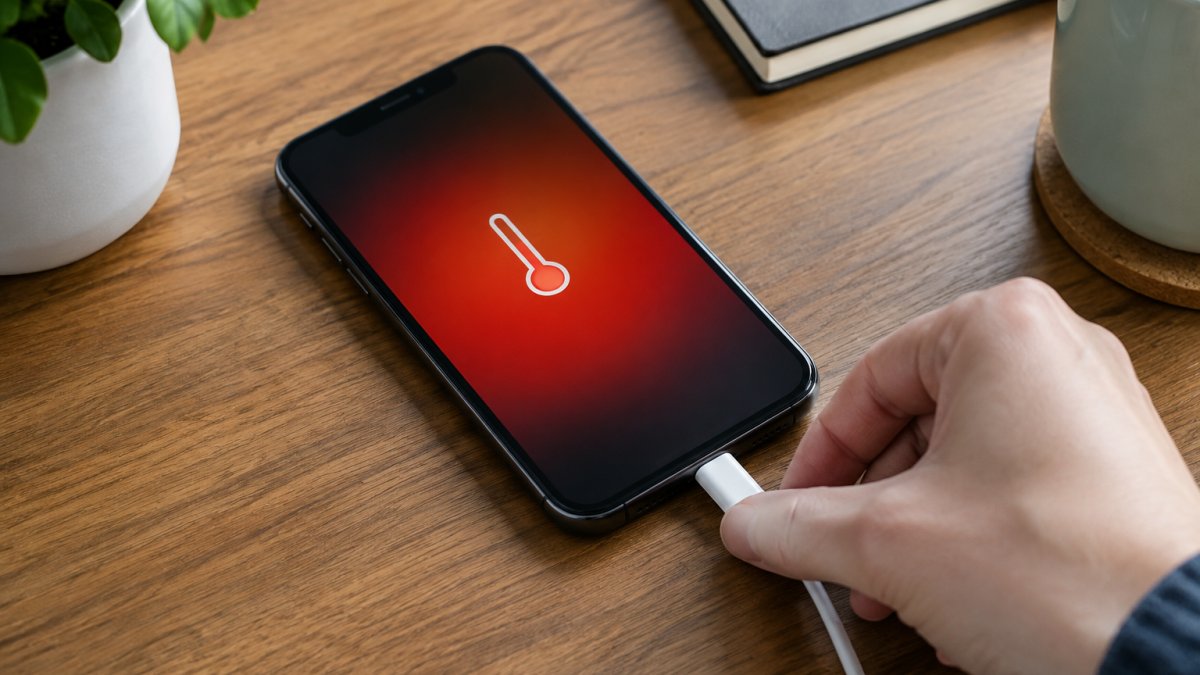
Fast charging phone overheating is not a single event. It is a feedback loop between the charger, the phone's power management integrated circuit (PMIC), and the battery's internal resistance.
Here is what actually happens when a phone gets hot on charge:
- Internal resistance rises with temperature. A lithium-ion cell that is already warm accepts current less efficiently, so more of the incoming energy is converted to heat rather than stored. The PMIC sees this and reduces the charge rate.
- The PMIC throttles in stages, not all at once. Most phones step down through several power levels before stopping charging entirely. You may notice the charge percentage climbing more slowly rather than a sudden stop.
- The charger itself contributes heat. A compact 25W adaptor running at full output can reach 50-60°C on its casing. That heat is normal for the adaptor, but it adds to the thermal load if the phone is resting against it or on the same soft surface.
Warning signs, in order of severity:
- The phone or charger feels hot to the touch, not just warm, typically above 40°C on the casing.
- The screen dims or the charge speed drops mid-session without you changing anything.
- A temperature warning appears on screen (common on iPhones and many Android devices).
- The phone stops charging entirely until it cools.
If any of these happen, unplug first. Then work through the fixes in order:
- Move the phone off soft surfaces. Bedding, cushions and sofa arms trap heat. A hard, open surface lets the phone dissipate heat through its back and edges.
- Remove the case if it traps heat. Thick silicone, leather and wallet cases insulate the phone. A thin TPU case is usually fine; a bulky folio is not.
- Charge in a cooler room. Ambient temperature matters more than most people realise. A phone charging in a 30°C room will throttle sooner than the same phone in a 20°C room, regardless of the charger.
- Swap to a lower-wattage charger for that session. A 20W charger generates less heat than a 45W one, and the phone will still charge at a reasonable rate if it is already warm.
- Check the cable and port for damage or lint. A worn cable or a lint-packed port adds resistance, which means heat at the connection point rather than in the battery.
Watch out: a charger that runs hot itself is a red flag. Certified chargers with overheat and overcurrent protection, like the Samsung 25W adaptor, shut down before damage occurs.
The practical takeaway is that heat is manageable, not mysterious.
Safe Phone Charging Tips for Everyday Use
Safe phone charging tips are mostly about small habits, not big purchases. The goal is to keep the battery cool and avoid unnecessary stress.
- Charge during the day when you can keep an eye on the phone, not overnight under a pillow.
- Use optimized charging if your phone offers it. It learns your routine and delays the final top-up.
- Keep the charging port clean. Lint and dust cause resistance, which means heat.
- Do not charge in direct sun or in a hot car.
- Unplug when you hit your target charge, rather than leaving it plugged in for hours.
If you charge on the move, a car charger with proper PD output keeps things controlled. Our PD USB-C mini car charger is built for exactly that, with a compact body that will not rattle loose on a bumpy road.
Common Mistakes That Undo Safe Fast Charging
Most charging problems trace back to a handful of habits. Here is where people go wrong.
Using a charger with no certification. Cheap chargers skip the safety circuitry.
Charging under a pillow or duvet. This traps heat with nowhere to go.
Ignoring the cable. A worn or under-rated cable adds resistance. Resistance means heat. Replace frayed cables rather than taping them up.
Charging to 100% every single time. For daily top-ups, stopping around 80% reduces stress on the cells.
Mixing chargers across devices without checking. A laptop charger will not damage a phone, but it will not fast charge it either.
Charging in a hot car. Ambient temperature matters as much as the charger.
Choosing a Charger That Keeps Your Phone Cool and Charged
Choosing a charger that keeps your phone cool comes down to three checks: certification, correct wattage, and heat protection built in. Everything else is convenience.
Look for these features:
- Certified safety circuitry: overvoltage, overcurrent and overheat protection.
- Correct output for your phone: 20W for iPhone, 25W for many Samsung models, 18W for older devices.
- A cable rated for the wattage, so the plug is not capped.
- Compact, ventilated design that does not trap heat against a surface.
Our 20W foldable dual-port charger covers the basics for travel and desk use, with foldable prongs and built-in protection against overcurrent and short circuits.
The honest limitation: no charger can fix a phone charged under a duvet or in direct sun. The gear helps, but the habit matters more.
Fast charging safely is a habit, not a gadget. Match your charger to your phone, keep the heat down, and stop chasing 100% every day.
Frequently Asked Questions
Is fast charging bad for your phone battery?
Fast charging itself is not the main problem. Heat is. A legitimate fast charger that follows a proper fast charging protocol will step down power as the battery fills, so the risk comes from sustained high temperatures and cheap unregulated chargers. Keep the phone cool, use a charger from a known brand, and avoid charging under pillows or in direct sun. Done that way, fast charge phone sessions have a limited long-term impact on capacity retention.
Can I use any fast charger with my phone?
Not automatically. Phone fast charger compatibility depends on the fast charging standard your device supports, such as USB Power Delivery, and the wattage it will accept. A higher-wattage charger is usually safe because the phone's charge controller draws only what it needs, but a mismatched or unbranded charger may not negotiate power correctly. Check your phone's supported standard and match the plug to it rather than buying the highest wattage available.
Does fast charging make a phone overheat?
It can raise temperatures, especially in the 0-50% range where charging speed is highest. Fast charging phone overheating usually comes from a combination of high wattage, a thick case, and a warm room rather than the charger alone. If your phone feels hot to the touch, remove the case, move it off soft surfaces, and stop using it while it charges. Thermal throttling will slow the charge automatically, but that is a safety response, not a fault.
Is it safe to leave a phone charging overnight?
Yes, with modern phones. Once the battery reaches full, the charge controller drops into trickle charging and holds the level rather than pushing more current in. The bigger issue is heat trapped under a pillow or in a hot room for eight hours. Charge on a hard surface, keep the phone out of bedding, and use a reputable charger. Optimised charging features on many phones also delay the final top-up until morning to reduce time spent at 100%.
